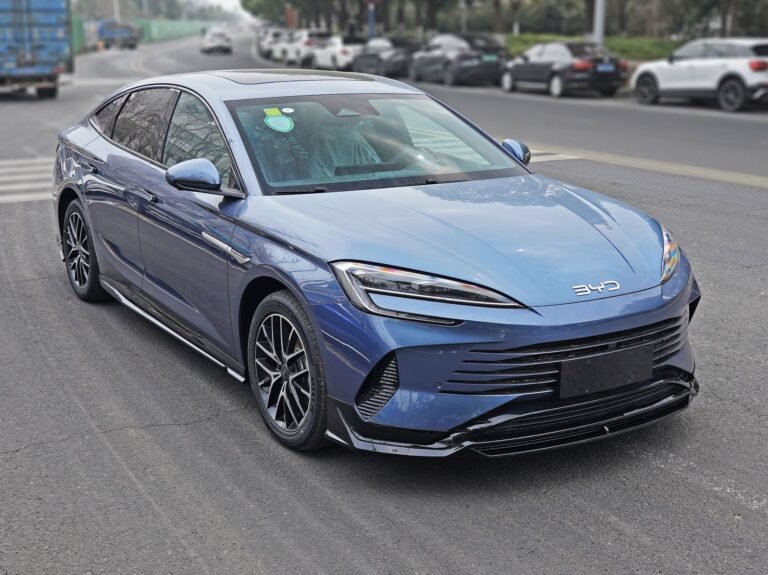




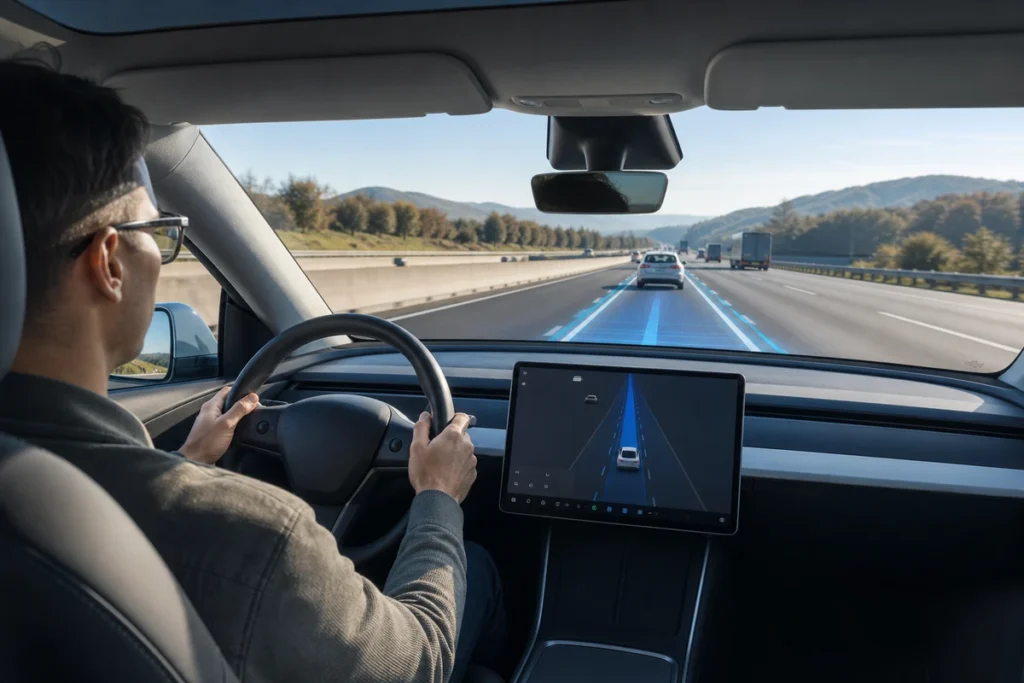
Tesla Autopilot is Tesla’s driver assistance system, not a fully autonomous chauffeur. It can help a Tesla steer within a lane, maintain speed, and keep distance from traffic ahead, but the driver must stay attentive and ready to take over.
That distinction matters because many buyers hear the word Autopilot and imagine a self-driving car. In everyday use, Autopilot is closer to an advanced cruise-control suite with lane-centering support. Tesla also sells Enhanced Autopilot or Full Self-Driving capability in some markets, but those packages do not remove driver responsibility.
This guide explains what Autopilot includes, what automation level it belongs to, how the system reads the road, and how owners should think about safe use. It also separates the software feature from normal ownership upgrades, because a smoother Tesla experience depends on charging, storage, mats, and accessories as much as the driving-assistance menu.
Table of Contents
- What does Tesla Autopilot actually do?
- What level of automation is Tesla Autopilot?
- How does Tesla Autopilot work behind the scenes?
- What features does Tesla Autopilot include?
- What should owners know before relying on Autopilot?
- How should buyers compare Autopilot with accessories and ownership upgrades?
- Conclusion: Autopilot helps, but it does not replace the driver
- Frequently Asked Questions
- References
What does Tesla Autopilot actually do?
Tesla Autopilot helps with two core driving tasks: steering support and traffic-aware speed control. When conditions are suitable, the car can follow lane markings and adjust speed for vehicles ahead, while the driver continues to supervise the road.
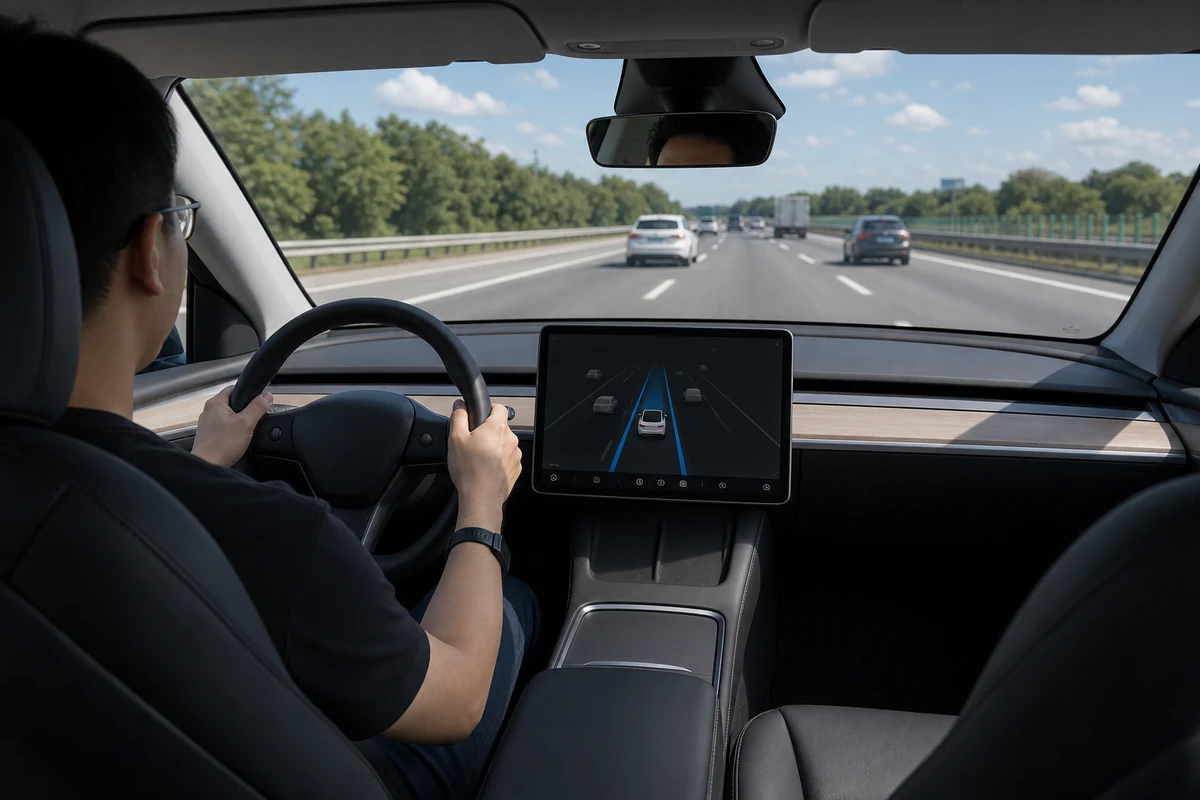
The basic idea is simple. Traffic-Aware Cruise Control manages acceleration and braking around a set speed and following distance. Autosteer adds lane-centering assistance on roads where the vehicle can understand lane boundaries and surrounding traffic. Tesla describes Autopilot as an advanced driver assistance system, and its own support material tells drivers to keep hands on the wheel and remain ready to intervene 1.
For a driver, the biggest benefit is workload reduction during steady highway travel. The system can make long commutes feel less tiring because it handles small steering corrections and speed changes. It is less useful in messy construction zones, roads with faded markings, unusual intersections, or any situation where a human needs to judge intent, eye contact, temporary signs, or local driving habits.
Autopilot also depends on the exact vehicle, software version, region, and purchased options. A used Tesla may have different hardware, different paid capability, or different software status from a new one. Before buying a vehicle or quoting features to customers, always check the car’s actual software screen and Tesla account entitlements instead of relying on a listing headline.
What level of automation is Tesla Autopilot?
Tesla Autopilot is generally understood as a Level 2 driver assistance system under the SAE driving automation framework. Level 2 means the system can assist with both steering and speed, but the human driver still monitors the environment and remains responsible for driving 3.
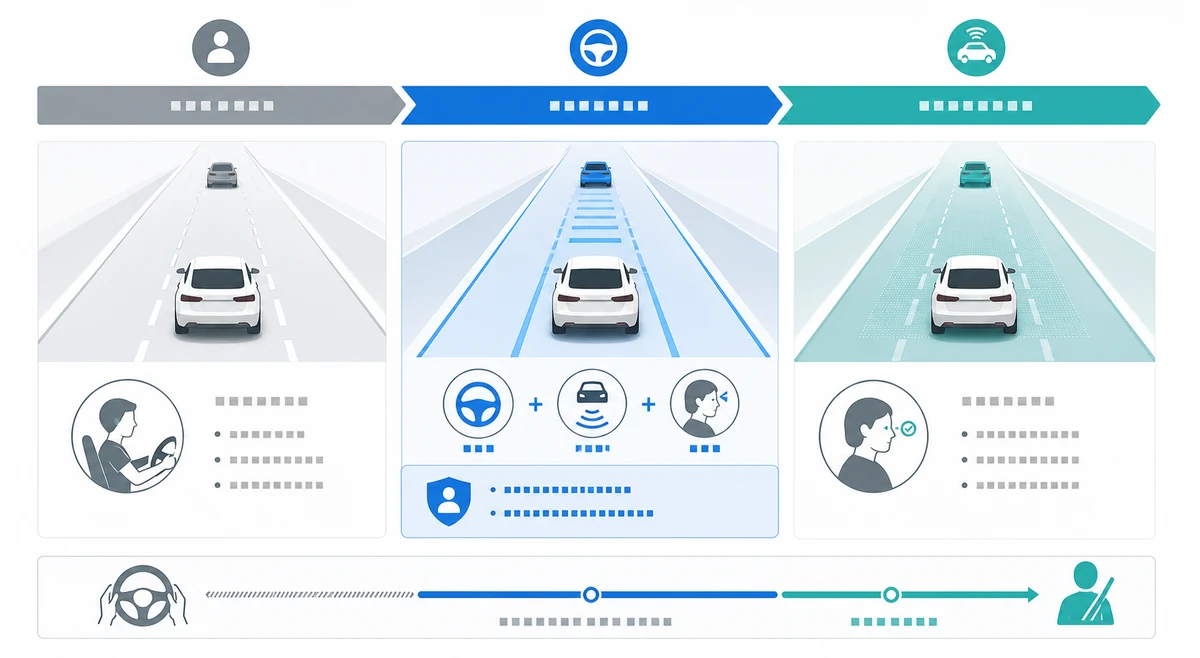
This is the point many shoppers miss. Level 2 is not the same as Level 3, Level 4, or Level 5 automation. In Level 2, the car is assisting the driver. In higher automation levels, the system may take responsibility for the driving task in defined conditions, depending on the level and the system design. NHTSA explains the broad difference between driver assistance and automated driving, and that distinction is important when evaluating marketing language 4.
Tesla’s Full Self-Driving capability, including versions branded as supervised in recent communications, still requires driver supervision where it is offered. It may add more functions, such as assisted lane changes, navigation guidance, parking assistance, or city-street driving support in certain regions, but the practical rule for drivers remains the same: watch the road, keep control, and be ready to act.
For accessory sellers, service shops, and fleet buyers, this level language helps avoid overpromising. A customer may ask whether a camera bracket, floor mat, organizer, charger, or screen protector is compatible with a self-driving vehicle. The more accurate framing is that the vehicle has advanced driver assistance, and accessories must not interfere with controls, sensors, driver visibility, or pedal operation.
How does Tesla Autopilot work behind the scenes?
Autopilot works by combining vehicle sensors, onboard computing, software models, steering control, braking, acceleration, and driver-monitoring prompts. The vehicle interprets lane lines, nearby vehicles, road edges, traffic flow, and driver input, then applies limited control within its operating conditions.
Tesla has changed its sensor strategy over time, moving many newer vehicles toward camera-based operation. The exact hardware suite can vary by model year and market, so it is better to describe Autopilot as a software-and-sensor system rather than one fixed mechanical part. The car collects visual and vehicle data, estimates the driving scene, predicts where it should be positioned, and sends commands to steering, braking, and acceleration systems.
Driver monitoring is part of the experience. If the car does not detect enough steering-wheel input or attention signals, it may issue alerts and eventually limit feature use. These alerts can feel annoying to drivers who misunderstand the system, but they exist because the driver is still responsible for supervising.
The system also has boundaries. Heavy rain, snow, glare, dirty cameras, unusual lane markings, faded paint, tight curves, road debris, and sudden behavior from other road users can reduce confidence. A human driver can understand context that software may not handle well, such as a worker waving traffic through a temporary lane or a cyclist behaving unpredictably near a junction.
What features does Tesla Autopilot include?
Autopilot commonly refers to Traffic-Aware Cruise Control and Autosteer, while higher paid packages can add more assisted-driving functions depending on region and vehicle eligibility. Buyers should treat the feature list as market-specific and confirm it inside Tesla’s current account and vehicle settings.
Here is the practical difference:
| Feature area | What it helps with | What the driver still does |
|---|---|---|
| Traffic-aware speed control | Maintains speed and adjusts to vehicles ahead | Chooses when conditions are safe and supervises braking decisions |
| Lane-centering steering | Helps keep the car centered in a visible lane | Watches lane markings, road edge, traffic, and system behavior |
| Assisted lane changes | May help execute a lane change with eligible packages | Checks mirrors, blind spots, laws, and surrounding traffic |
| Parking or summon features | May assist low-speed movement in limited situations | Monitors obstacles, people, slope, space, and local rules |
| City-street assistance | May navigate more complex roads where available | Remains attentive and ready to take over immediately |
People comparing Autopilot often compare it with the rest of Tesla ownership at the same time. That is where a related guide to Tesla accessories helps, because small upgrades such as storage trays, mats, organizers, screen protectors, and charging accessories solve daily-use problems that software does not touch.
Autopilot also does not change basic EV planning. If the car is used for commuting, delivery, service routes, or family travel, charging hardware still shapes convenience. For home charging decisions, the Tesla Wall Connector guide is a useful next step, while road-trip or emergency charging planning may start with a portable EV charger guide.
What should owners know before relying on Autopilot?
Owners should treat Autopilot as assistance for suitable conditions, not permission to disengage from driving. The safest habit is to activate it only when the road is clear, lane markings are readable, traffic behavior is predictable, and the driver is comfortable taking over instantly.
Before turning it on, check the basics. Cameras should be clean, tires should be properly maintained, visibility should be good, and there should be enough lane structure for the car to understand the road. If the driver is tired, distracted, or tempted to look away, Autopilot is not a solution. It can reduce workload, but it cannot make a distracted driver safe.
Takeover behavior matters too. Drivers should know how the steering wheel, accelerator, brake pedal, stalks, scroll wheels, and touchscreen commands interact with Autopilot on their model. Many uncomfortable moments happen because the driver does not know what will cancel the feature or how strongly the car will respond when the road changes.
Cargo and interior accessories should never interfere with safe operation. A loose object under the pedals is a much bigger problem than a missed convenience feature. For owners sorting out storage, cargo, and front trunk use, the related Tesla frunk guide is a practical reminder that convenience accessories must still respect safety, fitment, and secure placement.
How should buyers compare Autopilot with accessories and ownership upgrades?
Buyers should separate software capability from physical ownership needs. Autopilot may make highway driving easier, but floor protection, cargo storage, charging, adapters, and daily-use accessories determine how clean, convenient, and durable the vehicle feels over months of use.
For a new Tesla owner, the priority list usually looks like this:
- Charging setup: Decide whether home charging, workplace charging, public charging, or portable backup charging will do most of the work.
- Interior protection: Choose mats, trunk liners, organizers, and screen protection that do not interfere with controls.
- Cargo practicality: Add storage only where it stays secure during braking, cornering, and rough road use.
- Software comfort: Learn Autopilot controls gradually on familiar roads instead of testing everything on a stressful first trip.
- Compatibility checks: Confirm model year, seating layout, regional connector type, and vehicle trim before ordering accessories.
Charging choices are especially easy to confuse. For readers comparing daily charging behavior, the AC vs DC EV charging guide explains why home charging, destination charging, and fast charging serve different jobs. If the next step is sourcing fitment-sensitive Tesla and new energy vehicle products, related branded automotive NEV accessories give buyers a product-category starting point.
From the Yirox Team’s perspective, the best accessory programs do not sell around Autopilot hype. They check fitment, packaging, material consistency, installation instructions, and user safety. That matters because a well-made mat, organizer, or charging accessory should make the vehicle easier to live with without blocking sensors, pedals, visibility, or emergency operation.
Conclusion: Autopilot helps, but it does not replace the driver
Tesla Autopilot is a powerful driver assistance system that can help with lane centering, speed control, and driving workload in suitable conditions. Its value is real, especially on steady highways, but it remains a supervised feature rather than full self-driving independence.
The most useful way to think about Autopilot is as one part of the Tesla ownership experience. Drivers still need safe habits, clean sensors, proper charging plans, practical accessories, and a clear understanding of what the car can and cannot do. Buyers who keep that balance are less likely to overpay for misunderstood features or install accessories that create avoidable safety problems.
Frequently Asked Questions
Is Tesla Autopilot the same as Full Self-Driving?
No. Autopilot usually refers to traffic-aware cruise control and lane-centering assistance, while Full Self-Driving capability may add more assisted features where available. Both still require driver supervision.
Can Tesla Autopilot drive the car by itself?
Tesla Autopilot can assist with steering and speed in suitable conditions, but it does not make the car driverless. The driver must monitor the road and be ready to take control.
What SAE level is Tesla Autopilot?
Tesla Autopilot is generally described as Level 2 driver assistance. Level 2 systems can support steering and speed together, while the human driver remains responsible for supervision.
Does Autopilot work on every road?
No. Performance depends on road layout, lane markings, visibility, traffic behavior, software, and regional feature availability. Drivers should avoid using it where conditions are unclear or unpredictable.
Do accessories affect Autopilot?
Most normal interior accessories do not affect Autopilot if they are well fitted and do not block controls, cameras, visibility, or driver movement. Poorly fitted mats, loose cargo, or obstructive mounts can create safety issues even if the software still works.
References
[1] Tesla. *Autopilot and Full Self-Driving Capability*.
[2] Tesla. *Vehicle Safety Report*.
[3] SAE International. (2021). *J3016 Taxonomy and Definitions for Terms Related to Driving Automation Systems*.
[4] National Highway Traffic Safety Administration. *Automated Vehicles for Safety*.